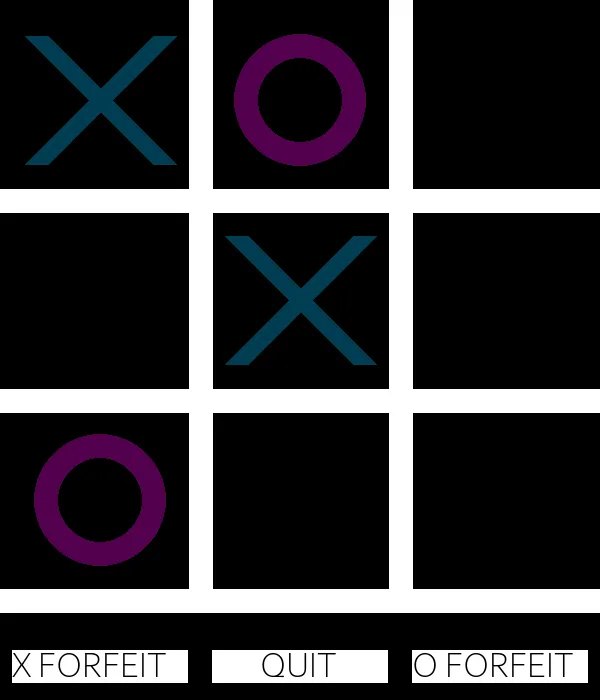
- What it is
- A tic-tac-toe game in Pygame with a home screen, scorekeeping, two-player mode and three levels of computer opponent.
- Why I made it
- It was my first game with graphics, in April 2022, and I wanted to learn Pygame.
- What I did
- I started from a tutorial and kept adding: the menus, the score, the end screens and a computer player that knows how to win, block and dodge the two-corner trick.
- How it turned out
- It's simple, but it's how I learned Pygame before I used it for the much bigger Blackjack game.
The details
From a tutorial to a real game
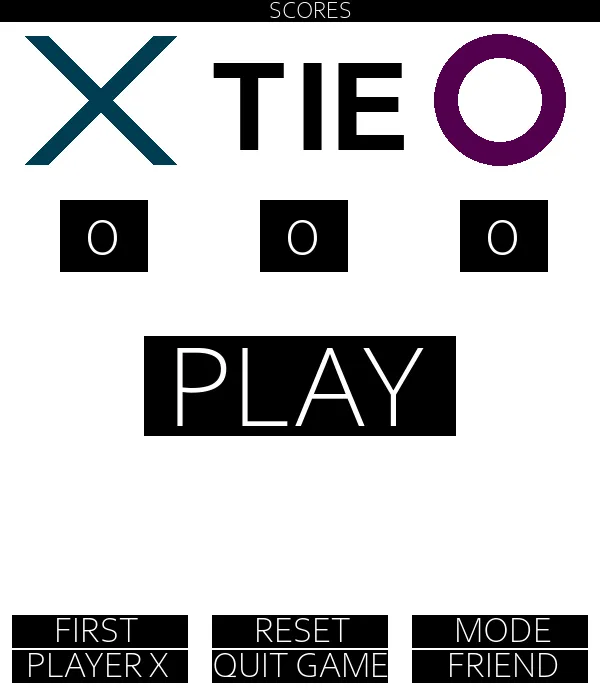
I kept experimenting past the tutorial. The home screen lets you choose who goes first, play a friend or the computer, change the difficulty, and reset the score. The score sticks around for the whole session, and the game draws a line through the winning row before showing who won.
The computer player
The hard computer first checks if it can win right now, then if it needs to block you. If neither, it picks the square that's part of the most possible wins. I also taught it the classic trick where you take two opposite corners: it answers with an edge instead of falling for it. Medium mixes in random moves, and easy is all random.
Drawing it all

There aren't any images in the project. The grid is lines, the X's are two diagonal strokes, the O's are circles, and the buttons are rectangles with text. Everything is sized from the window, so it all scales together.